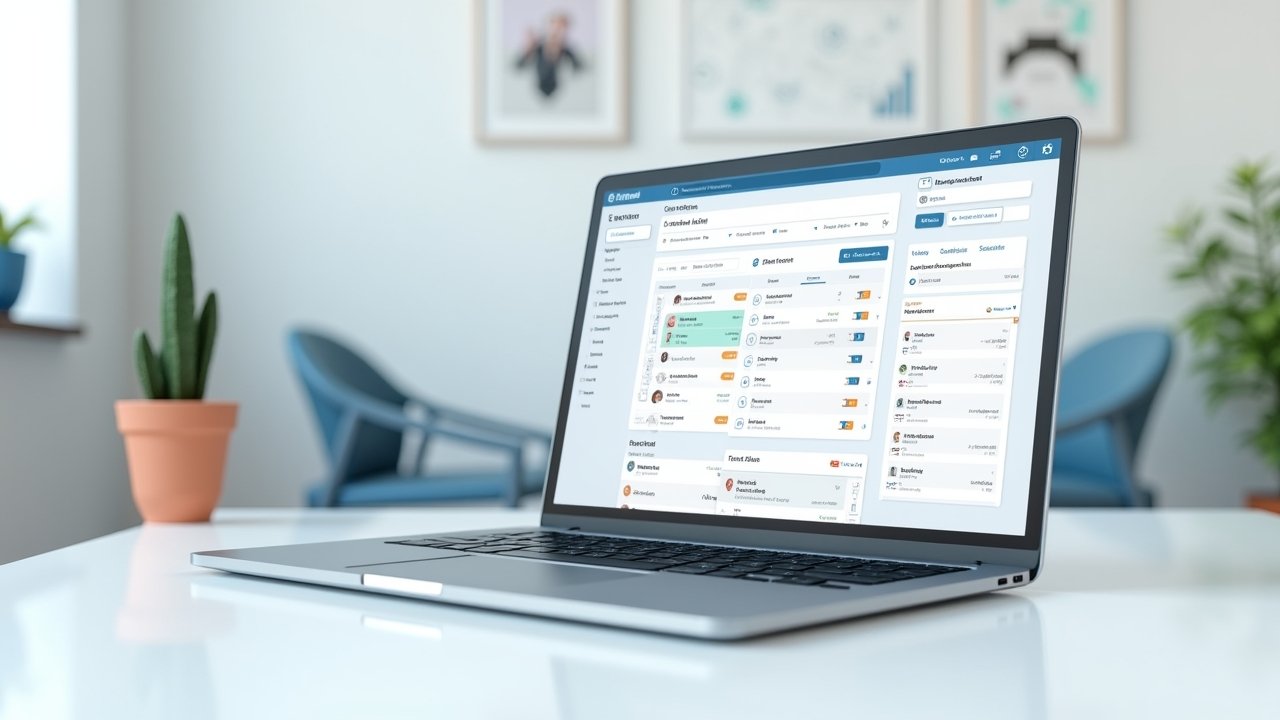
Essential CRM Features: What Actually Matters (Lessons From My Own Trial and Error)
Advertisements
Did you know that the CRM market is expected to blow past $150 billion in the next few years? That’s not just a random stat I found to sound smart, it actually kinda blew my mind when I first read it! I mean, everybody and their cousin is jumping on the CRM train now, and honestly, it makes total sense once you’ve been burned by messy spreadsheets like I have.
So here’s the thing. A few years back, I was managing client relationships for a small marketing agency using nothing but Excel and sticky notes. Yeah, I know, laugh it up. It was a disaster waiting to happen, and it did happen, when I lost track of a $12,000 deal because I literally forgot to follow up. That’s when I got serious about understanding what makes a CRM actually worth your time and money.
Contact Management That Doesn’t Make You Want to Scream
This one seems obvious, but trust me, not all contact management is created equal. I once used a CRM where finding a customer’s info felt like archaeology, digging through layers of useless fields just to find a phone number. A good CRM should let you see everything about a contact in one glance.
- Full interaction history (emails, calls, meetings)
- Custom fields for your specific business needs
- Easy tagging and segmentation
- Notes section that’s actually searchable
Honestly, this feature alone can make or break your daily workflow. I’ve been there, frustrated beyond belief because I couldn’t remember if I called a lead or just thought about calling them.
Pipeline Visibility, Because Guessing Games Are for Kids
Okay so this is probably my favorite feature, and I’ll tell you why. Before I had proper pipeline tracking, I was basically guessing which deals were close to closing. It was chaos, my friend, pure chaos!
A solid pipeline view shows you exactly where every deal sits, from initial contact to closed-won (or closed-lost, we don’t talk about those as much). Tools like HubSpot nailed this visual drag-and-drop style years ago, and now most decent CRMs have adopted something similar. It’s just easier on the brain, ya know?
I remember the first time I actually used a visual pipeline properly. I closed three deals in one week that I probably would’ve forgotten about otherwise. That felt like a triumph, not gonna lie.
Automation That Saves Your Sanity
Look, I used to think automation was overrated, some fancy buzzword companies threw around to sound cutting-edge. Boy was I wrong. Once I started automating follow-up emails and task reminders, my productivity genuinely doubled.
Advertisements
- Automated email sequences for leads
- Task reminders so nothing falls through the cracks
- Auto-assignment of leads to team members
- Workflow triggers based on customer behavior
The best part? You’re not spending hours doing repetitive stuff a computer could do in seconds. I still remember manually sending the same “checking in” email to like 40 leads one afternoon. Never again, folks. Never again.
Reporting and Analytics (The Boring Stuff That Actually Matters)
I’ll be real with you, reports used to bore me to tears. But once I understood how to read them, everything changed. Good analytics tell you which marketing channels bring the best leads, which reps close the most deals, and where your bottlenecks are hiding.
According to Salesforce’s own resources on CRM, companies that leverage CRM analytics effectively see significantly higher conversion rates. That tracks with my own experience too, once I started actually looking at the numbers instead of ignoring them, my close rate improved by like 20% within a couple months.
Mobile Access, Because Life Doesn’t Happen at a Desk
This might sound small, but mobile access has saved me more times than I can count. I’ve closed deals from coffee shops, updated notes while waiting at the dentist, heck, even responded to a hot lead while at my kid’s soccer game (don’t tell my wife I was on my phone during the game though).
If your CRM doesn’t have a solid mobile app, you’re basically chaining yourself to a desk. And who wants that in 2026?
Integration Capabilities, Because Nothing Works Alone Anymore
Your CRM needs to play nice with your email, calendar, marketing tools, and whatever else you’re using. I made the mistake once of choosing a CRM that didn’t integrate well with our email marketing platform, and it created this awful manual data entry nightmare. Never again, I tell ya.
- Email platform integration (Gmail, Outlook)
- Marketing automation tool connections
- Accounting software syncing
- Third-party app marketplace
When these integrations work smoothly, it’s honestly beautiful. Data flows where it needs to go, and you’re not stuck copy-pasting info between five different tabs.
So Where Does This Leave You?
At the end of the day, picking the right CRM features comes down to understanding your own business needs, not just chasing shiny features because a salesperson told you they’re important. I learned this the hard way through lost deals, wasted hours, and honestly, a fair bit of frustration along the way.
Take what I shared here and tweak it to fit your specific situation, because what worked for my small agency might need adjusting for your team. And hey, always keep customer data privacy and security in mind when choosing any CRM, that’s non-negotiable stuff.
If you found this helpful, do yourself a favor and check out more practical guides over at the Closiora blog. There’s a ton of good stuff there that’ll help you avoid the mistakes I made!