Advertisements
Did you know that 65% of businesses adopt a CRM within their first five years, yet nearly a third of them end up switching platforms because the first one just didn’t click? Yeah, I was part of that statistic! When I first started digging into CRMs for my small consulting gig, I landed on Copper CRM because everyone kept saying “it’s the Google Workspace one.” And honestly, that’s exactly why I gave it a shot.
So let’s talk about Copper CRM, because I spent about eight months actually using this thing (not just skimming a demo video), and I’ve got some real opinions to share. Grab a coffee, this is gonna be a friend-to-friend chat, not some corporate sales pitch!
What Exactly Is Copper CRM?
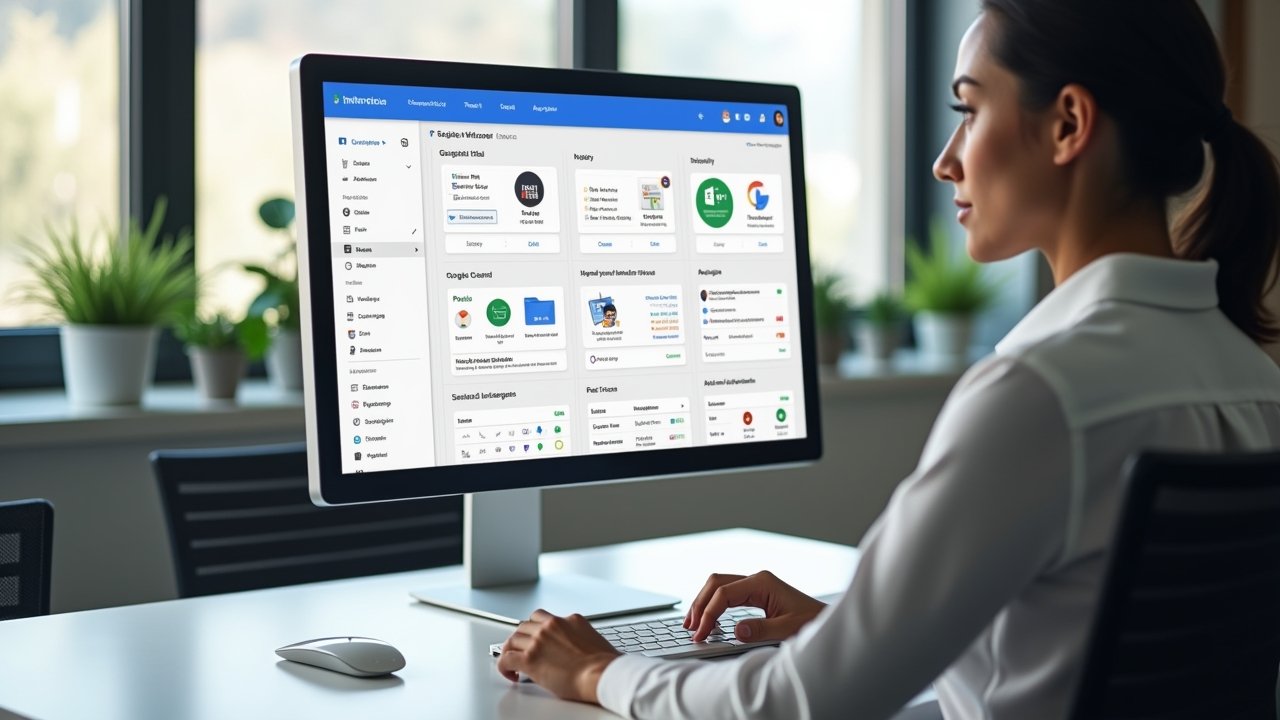
Copper CRM (it used to be called ProsperWorks, fun fact) is a customer relationship management tool built specifically to live inside Google Workspace. If you’re already using Gmail, Google Calendar, and Google Drive for everything, this thing feels like it was made in your house. It literally sits inside your Gmail inbox like it pays rent there.
I remember my first day setting it up. I kept waiting for some clunky separate dashboard to open in a new tab, and instead, Copper just… showed up in my Gmail sidebar. That threw me off at first, not gonna lie.
The Onboarding Experience: My Honest Take
Setting up Copper wasn’t too bad, but it also wasn’t a walk in the park. I messed up my pipeline stages twice before I got them right (rookie mistake, don’t judge me). The drag-and-drop interface for managing deals is pretty intuitive once you get the hang of it.
- The initial setup wizard walks you through basic contact importing
- You can sync directly from Gmail contacts, which saved me hours
- Custom fields took some fiddling to get exactly right
- Their support docs are decent, though I still ended up on YouTube for a couple tutorials
Honestly though, if you’re comparing this to something like Salesforce, Copper is a breeze. Salesforce made me want to cry during setup at a previous job. Copper, not so much.
Features That Actually Impressed Me
Okay so here’s where I’ll get specific because vague reviews annoy me too. The automatic activity logging is genuinely great, it tracks emails, calls, and meetings without me lifting a finger. I used to manually log every interaction in my old CRM and it was exhausting.
The pipeline visualization is clean and simple. I could see exactly where every deal stood just by glancing at my screen, no digging through menus.
Advertisements
- Google Workspace integration is seamless, this is their biggest selling point
- Automated data entry pulls info straight from email signatures
- Reporting dashboards are visual and easy to customize
- Mobile app works decently well for on-the-go updates
One thing that genuinely surprised me was how good their lead scoring feature turned out to be. I was skeptical at first (I’m skeptical about most “smart” features, they usually oversell it), but it actually helped me prioritize which prospects to chase first.
Where Copper CRM Kinda Falls Short
Now, I gotta be real with you, it’s not all sunshine and rainbows. If you’re not a Google Workspace user, honestly, just skip this one. It’s built for Gmail people, and if you’re on Outlook or some other email client, you’ll be fighting the software the whole time.
The pricing also stung a bit more than I expected. Compared to something like HubSpot’s free CRM tier, Copper doesn’t offer a free plan, which bummed me out when I was still bootstrapping my business.
- No free version available, only a 14-day trial
- Customization options are more limited than competitors like Zoho or Pipedrive
- Advanced automation features are locked behind higher-tier plans
- Reporting could use more depth for larger sales teams
I also hit a frustrating snag when I tried integrating it with a third-party invoicing tool. It just didn’t play nice, and I spent an entire Saturday afternoon troubleshooting instead of, you know, having a life.
Who Should Actually Use Copper CRM?
If you’re a small to mid-sized business already living inside Gmail and Google Calendar all day, Copper makes a lot of sense. It’s especially good for agencies, consultants, and service-based businesses that need simple pipeline tracking without a steep learning curve.
But if you need heavy customization or run a massive sales team with complex workflows, you might outgrow Copper pretty fast. I’ve talked to a few sales managers who eventually moved to more robust platforms once their team scaled past 20 reps.
Pricing Breakdown
Copper offers three main pricing tiers: Basic, Professional, and Business. Prices range roughly from $29 to $99 per user per month (billed annually), which puts it in the mid-range compared to other CRMs on the market.
- Basic plan covers essential CRM features for small teams
- Professional plan adds automation and reporting tools
- Business plan unlocks advanced features for larger organizations
Not the cheapest option out there, but not the most expensive either. It really comes down to whether the Google integration is worth the price tag for your specific workflow.
My Final Thoughts (For What They’re Worth)
Look, Copper CRM isn’t perfect, no software is honestly. But for someone deeply embedded in the Google Workspace ecosystem, it genuinely simplifies the sales process in a way that feels natural instead of forced. I stuck with it for those eight months because it just worked with my existing habits, and that counts for a lot.
At the end of the day, choosing a CRM is deeply personal to your workflow, so definitely test drive that free trial before committing. Make sure to double check how it handles your specific data privacy needs too, since customer information is sensitive stuff and you want a platform that takes security seriously.
If you found this review helpful, why not stick around and check out more posts over at the Closiora blog? We’ve got plenty of other CRM comparisons and sales tips waiting for you there!