Advertisements
Okay, real talk: I switched CRMs three times in two years before I found something that actually stuck. Did you know that G2 lists over 800 CRM products right now? Eight hundred! And I tried, like, five of them before landing somewhere I was happy. If you’re here searching for Zoho CRM alternatives, you’re probably feeling the same itch I felt back then — that “this isn’t quite it” feeling. Let’s dig into why people jump ship and where they land instead!
Why People Start Looking For Zoho Alternatives
So here’s my story. I ran a small consulting gig for a while, nothing fancy, maybe 15 clients on rotation. I picked Zoho CRM because it was cheap and everybody online said it was “feature-rich.” And it was, don’t get me wrong. But the interface felt cluttered to me, like walking into a garage that hasn’t been cleaned in a decade.
I kept clicking around trying to find where I’d set up a workflow automation, and I just… couldn’t. Took me 20 minutes to find a setting that should’ve taken 20 seconds. That’s when the frustration hit. I wasn’t looking for perfection, I just wanted something that didn’t fight me every step of the way.
What To Look For Before You Switch
Before you go jumping into a new tool, figure out what actually bugs you. Is it price? Complexity? Missing integrations? I made the mistake of switching just because a friend recommended something, and it turned out to be worse for my use case. Lesson learned, the hard way.
- Pricing that scales with your team, not against it
- Ease of use (seriously, test the free trial before committing)
- Integration with tools you already use, like email or invoicing apps
- Customer support that responds in hours, not days
- Automation features that don’t require a computer science degree
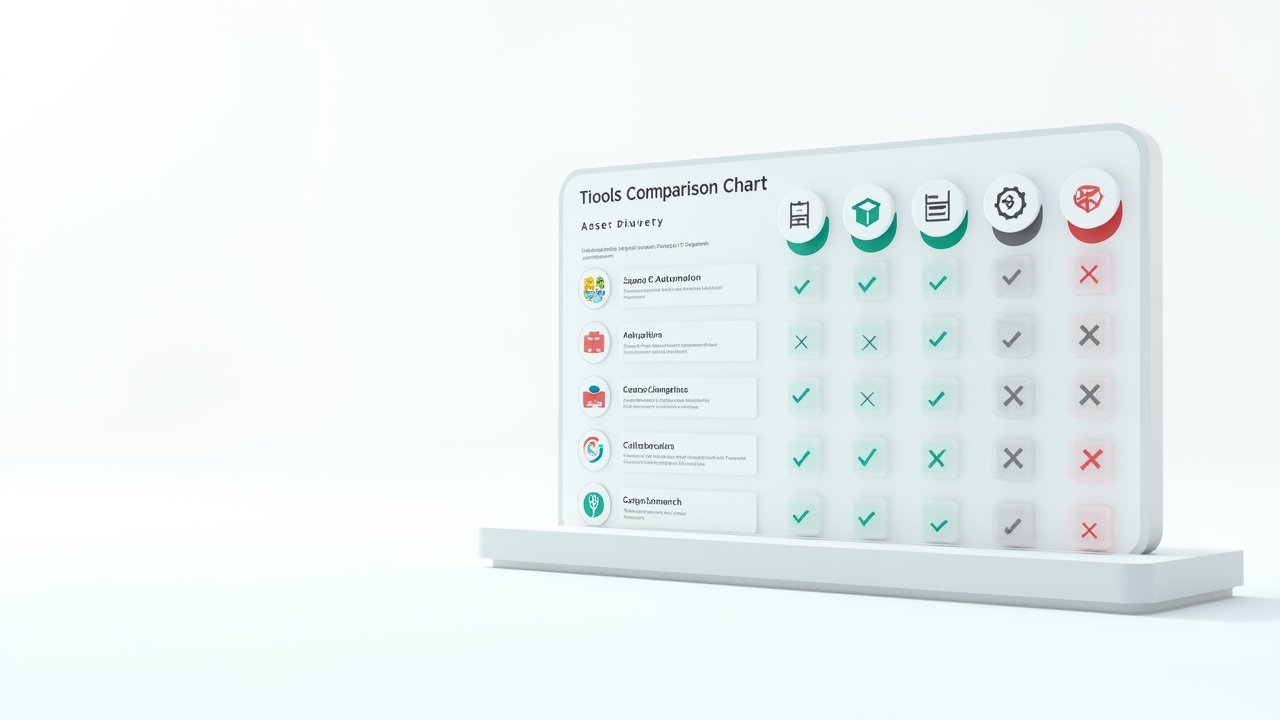
Top Zoho CRM Alternatives Worth Checking Out
Alright, here’s where I get specific. These are tools I’ve either used myself or watched colleagues use with real success.
HubSpot CRM
HubSpot’s free tier is honestly generous. I used it for about six months and liked how clean the dashboard felt. The downside? Once you start needing advanced features, the price jumps quick. Like, whiplash quick. Still, for beginners it’s a solid, low-risk starting point. You can check out their CRM platform here if you wanna poke around.
Pipedrive
This one’s built for sales folks who live and breathe pipelines. I liked the visual drag-and-drop deal stages, it made tracking progress feel almost satisfying, like crossing things off a to-do list. Not the most feature-packed tool out there, but simplicity is its whole vibe.
Freshsales
Freshsales surprised me. I didn’t expect much going in, but the AI-based lead scoring actually helped me prioritize who to call first. My close rate went up a little that quarter, not gonna lie, felt pretty good about that one.
Advertisements
Closiora
Now, I’d be lying if I didn’t mention Closiora here too, since honestly it’s become my go-to recommendation for folks who want something modern without the bloat. It’s built with simplicity in mind but doesn’t skimp on automation or pipeline visibility. If you’re tired of CRMs that feel like they were designed in 2009, this one’s worth a look.
Common Mistakes People Make When Switching CRMs
I’ve made basically all of these, so let me save you the trouble.
- Switching without exporting your old data properly (I lost two months of notes this way, ugh)
- Choosing based on price alone instead of actual workflow needs
- Not training your team before the full switch
- Ignoring customer reviews on sites like TrustRadius
- Assuming every CRM integrates with your existing tools (spoiler: they don’t always)
Making The Final Decision
Look, there’s no universal “best” CRM. What worked for me might annoy you completely, and that’s fine, we all work differently. Test drive a few, use the free trials religiously, and don’t be afraid to ask your team what they actually want to use daily. A tool nobody enjoys using is a tool that’ll die a slow, ignored death within a month.
Give yourself permission to make mistakes here too. I switched three times before getting it right, and honestly? That process taught me more about my own workflow needs than any blog post ever could (including maybe this one, ha).
At the end of the day, Zoho CRM isn’t bad, it just might not be for you, and that’s totally okay! The CRM world is packed with options built for different kinds of businesses, personalities, and budgets. Take your time, test a handful, and trust your gut when something finally clicks into place. And hey, if you’re hungry for more practical, real-world advice like this, swing by the Closiora blog for more posts that’ll help you build a business (and a workflow) that actually feels good to run.