Advertisements
Keap Pricing: What I Wish I Knew Before I Signed Up
Okay, real talk: I almost had a heart attack when I saw Keap’s pricing page for the first time. I mean, $299/month?! For a CRM?! I remember sitting at my kitchen table, laptop open, coffee going cold, thinking “there’s no way small business owners are actually paying this.” Spoiler alert: they are, and after using it myself, I get why.
If you’re researching Keap pricing right now, you’re probably in that same boat I was in a couple years back. You’re trying to figure out if this thing is worth the investment or if you’re about to make a very expensive mistake. Let’s break it down together, friend to friend.
So What Does Keap Actually Cost?
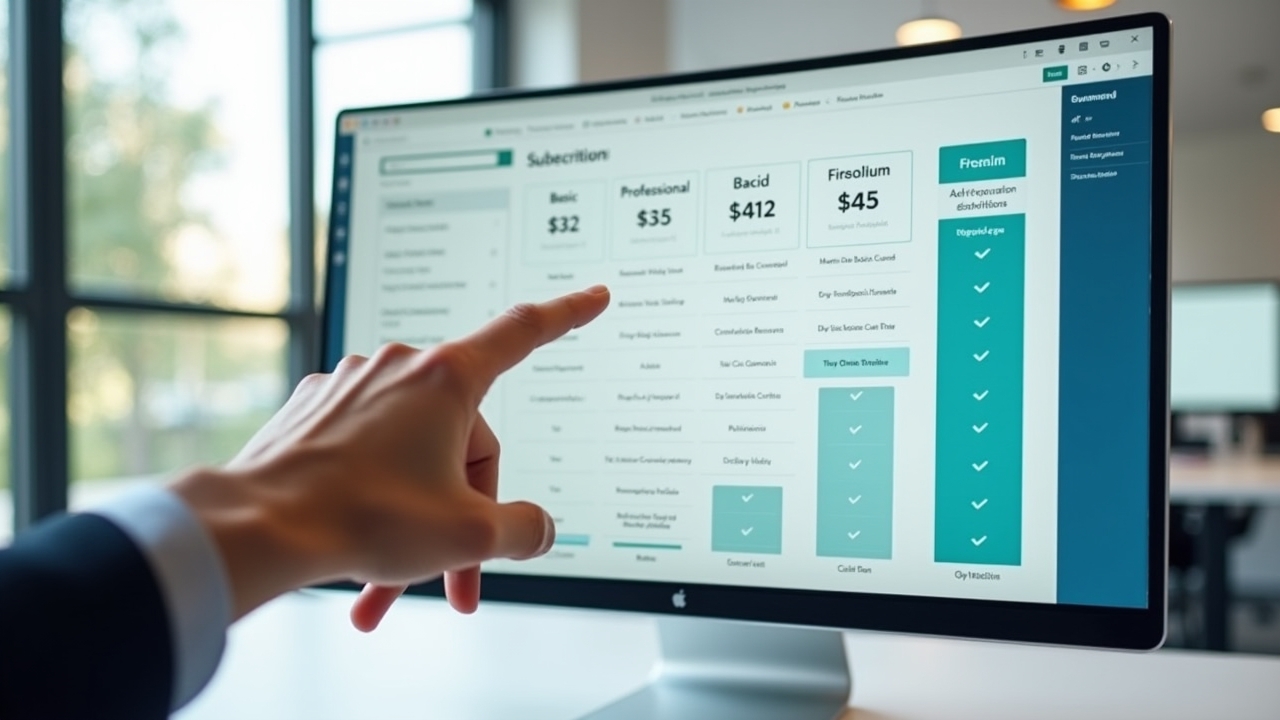
As of now, Keap offers a few different pricing tiers, and honestly, they’ve changed their structure a few times since I started using it (annoying, I know). The basic plan, Keap Pro, typically runs around $199/month when billed annually, and it includes CRM, sales automation, and basic marketing tools for up to 1,500 contacts.
Then there’s Keap Max, which bumps you up to roughly $289/month and adds more advanced automation, e-commerce features, and a higher contact limit. There’s also Keap Max Classic for folks who need more robust functionality, but that one usually requires you to talk to sales directly because pricing gets custom pretty quick.
- Keap Pro: ~$199/month (up to 1,500 contacts)
- Keap Max: ~$289/month (up to 2,500 contacts)
- Keap Max Classic: Custom pricing for larger teams
One thing that tripped me up early on? These prices don’t include the mandatory one-time onboarding fee. Yeah, you read that right. Keap requires a setup fee that can range from $99 to $500+ depending on your plan, and there’s just no getting around it. I remember feeling kinda blindsided by that, ngl.
Why Is Keap So Much Pricier Than Other CRMs?
This is the question everyone asks, and I asked it too. I’d been using cheaper tools before, like HubSpot’s free tier, and I couldn’t wrap my head around why Keap cost so much more.
Turns out, Keap isn’t just a CRM. It’s built specifically for small businesses that need serious automation without hiring a whole marketing team. Think appointment scheduling, invoicing, email marketing, pipeline management, and automated follow-ups all rolled into one system. When you add up what you’d pay for separate tools to do all that, Keap actually starts looking like a decent deal.
Advertisements
Still, I won’t lie to you. If you’re a solopreneur just starting out with barely 50 contacts, this pricing might feel like overkill. I made that mistake myself, signing up way too early before I even had a real client list. Big oof.
Is There a Free Trial or Cheaper Option?
Good news: yes! Keap offers a 14-day free trial, no credit card needed for most sign-up flows (though this changes occasionally, so double-check when you sign up). I highly recommend using every single day of that trial to test automation workflows, because that’s genuinely where Keap shines.
There’s also been talk of Keap introducing lighter, more affordable plans for very small businesses, so it’s worth checking their official pricing page before you commit to anything. Pricing pages change more often than my grocery list, so don’t trust old blog posts (including maybe this one, eventually) for exact numbers.
My Honest Tips Before You Buy
After using Keap for about 18 months for my own coaching business, here’s what I’ve learned the hard way:
- Don’t skip the onboarding calls, even if they feel tedious. They save you hours of frustration later.
- Negotiate the setup fee. I got mine reduced by simply asking, no joke.
- Start with Keap Pro unless you already have 2,000+ contacts. You can always upgrade.
- Use the automation templates instead of building from scratch; it saved me so much time.
- Cancel unused add-ons quarterly. I forgot about a texting feature I wasn’t using for four months. Four months of wasted money, folks.
One more thing. Annual billing saves you a decent chunk of change compared to month-to-month, something like 16-20% depending on the plan. If you’re committed to using it long term, definitely go annual.
Is Keap Pricing Worth It?
Honestly? For businesses that need serious sales automation and follow-up sequences, yes, it’s worth it. For someone just dipping their toes into CRM software, maybe start smaller with something like Zoho CRM before graduating to Keap once your contact list grows.
I’ve had moments of pure frustration with Keap’s learning curve, not gonna sugarcoat that. But I’ve also had moments where an automated email sequence closed a client while I was literally asleep. That’s when it clicked for me why people pay what they pay.
Before You Go…
Pricing decisions like this aren’t one-size-fits-all, so take what I’ve shared here and adjust it to your own business size, budget, and goals. Always double check current rates directly with Keap since pricing structures shift more often than we’d like, and what worked for me might not be the perfect fit for you.
If you found this helpful, you’ll probably like digging through more real-world breakdowns like this one over at the Closiora blog. Go check it out, there’s a ton of good stuff there to help you make smarter decisions for your business!