How CRM Software Works (And Why I Wish I’d Understood This Sooner)
Advertisements
Did you know that businesses using CRM software see an average return of $8.71 for every dollar spent, according to Nucleus Research? I found that stat kind of wild when I first stumbled across it! Honestly, for the longest time, I thought CRM software was just a fancy digital rolodex. Boy, was I wrong.
If you’re running a business, managing a sales team, or even just trying to keep track of client emails without losing your mind, understanding how CRM software actually works can be a total game-changer. I’m gonna break it down the way I wish someone had broken it down for me years ago, back when I was drowning in sticky notes and half-remembered phone calls.
My First Encounter With CRM (And Why I Almost Gave Up)
So here’s the thing. When I first started using CRM software at a small marketing gig, I set it up wrong. Like, really wrong.
I dumped all my contacts in without tagging them properly, didn’t set up any automation, and basically used a $50-a-month tool as an expensive contact list. My boss was not thrilled. It took me almost three months to realize I was barely scratching the surface of what the thing could do.
That frustration taught me something important though: CRM software isn’t just storage, it’s a system. It’s built to track relationships, automate follow-ups, and give you a bird’s-eye view of every interaction you’ve ever had with a customer.
The Basic Mechanics: What’s Actually Happening Behind the Scenes
At its core, a CRM (Customer Relationship Management) system works by centralizing all your customer data into one database. Every email, phone call, purchase, and support ticket gets logged automatically or manually. Think of it as a giant filing cabinet that actually talks back to you.
- Data collection: The CRM pulls in info from emails, web forms, social media, and phone systems
- Data organization: It sorts contacts by stage, like “lead,” “prospect,” or “customer”
- Automation: Follow-up emails, reminders, and tasks get triggered without you lifting a finger
- Reporting: Dashboards show you what’s working and what’s flopping
Most modern platforms, like Salesforce or HubSpot, use cloud-based systems now. This means your data lives on remote servers instead of some clunky hard drive that could crash any minute (RIP my old laptop, by the way).
Where the Magic Happens: Automation and Pipelines
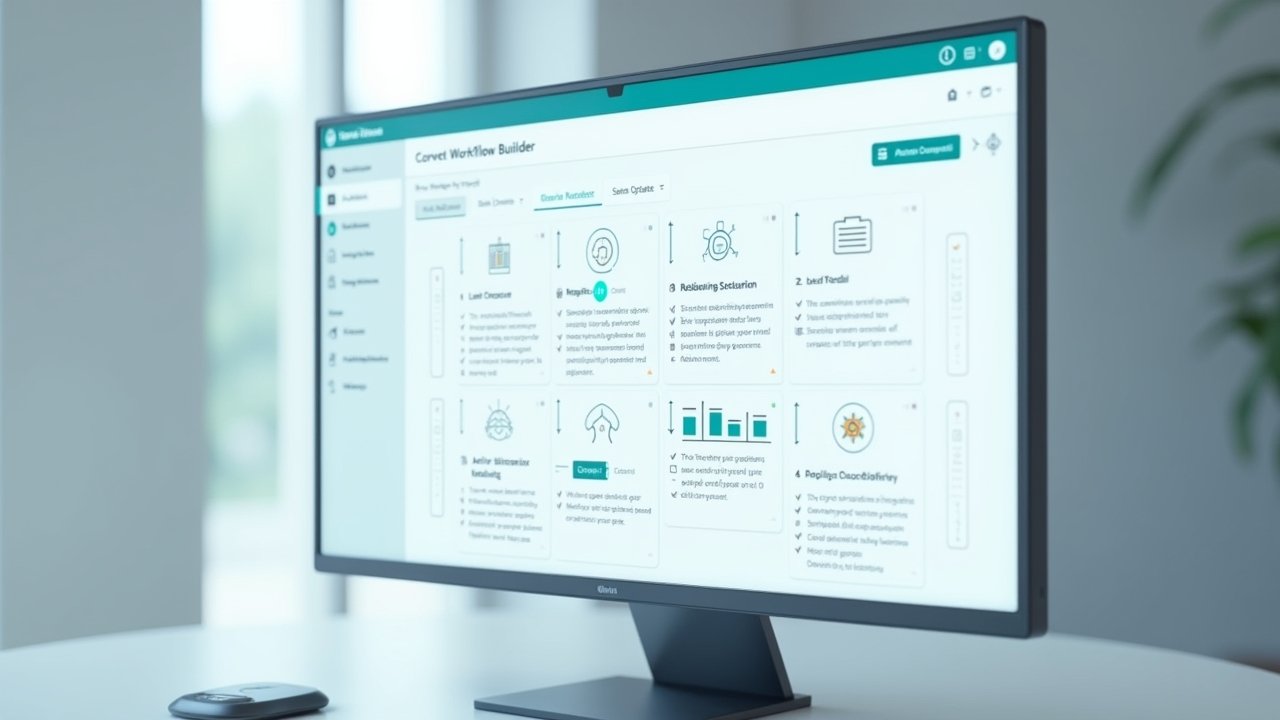
This is honestly the part that blew my mind once I got the hang of it. CRMs let you build “pipelines,” which are basically visual maps of where each lead sits in your sales process. New lead, contacted, proposal sent, closed deal, you can see it all laid out.
Advertisements
Once you set up automation rules, the system does a lot of the grunt work for you. Someone fills out a contact form? Boom, they get added to your CRM and an automatic welcome email fires off. No more manually typing the same intro message fifty times a day like I used to.
I remember the first time I set up an automated follow-up sequence and actually watched a lead convert without me sending a single manual email. I literally did a little happy dance at my desk. My coworker thought I was having a moment, and honestly, I was.
Integration: Why Your CRM Shouldn’t Work Alone
Here’s a tip I learned the hard way: a CRM works way better when it’s connected to your other tools. Email platforms, calendars, invoicing software, even your customer support tickets should all sync up.
- Connect your email so conversations log automatically
- Sync your calendar so meetings get tracked without manual entry
- Link your marketing tools to see which campaigns actually drive sales
When I finally integrated my email marketing tool with my CRM, I could see exactly which newsletter clicks turned into actual paying customers. That kind of visibility is priceless, and it’s something spreadsheets just can’t give you.
Common Mistakes People Make (Because I Made Most of Them)
Look, nobody sets up a CRM perfectly on the first try. I sure didn’t. Here’s some stuff I’d tell my past self if I could go back in time.
- Don’t skip the training. Seriously, watch the tutorials.
- Don’t dump messy data in. Clean it up first or you’ll regret it later.
- Don’t ignore automation features because they seem “too complicated.” They’re not once you try them.
- Don’t forget to actually use the reporting features. Data is useless if nobody looks at it.
According to Gartner, poor CRM adoption is one of the top reasons companies fail to see returns on these tools. So yeah, setup matters way more than people think.
Wrapping This Up (Because I Could Talk About This All Day)
Understanding how CRM software works isn’t just some technical exercise, it genuinely changes how you run your business day to day. Once you get past the learning curve, it’s honestly kind of addictive watching everything organize itself instead of you doing it manually at midnight with three cups of coffee.
Every business is different, so play around with your settings, customize your pipelines, and find what actually fits your workflow instead of copying someone else’s setup exactly. And please, for the love of everything, keep your customer data secure and respect privacy regulations while you’re at it, that part’s non-negotiable.
If you found this helpful, swing by the Closiora blog for more no-nonsense guides like this one. There’s a ton of good stuff over there that’ll save you the headaches I went through!