HubSpot CRM Pricing: What I Wish Someone Told Me Before I Signed Up
Advertisements
Okay, real talk: did you know that HubSpot’s free CRM is actually free forever, not just a 14-day trial trap? I didn’t believe it either when I first heard it! I spent an embarrassing amount of time hunting for the “catch” because, well, nothing in software is ever really free, right?
I’ve been knee-deep in CRM pricing spreadsheets for years now, helping small businesses figure out what tool won’t drain their bank account. HubSpot always comes up in the conversation. And honestly, understanding their pricing structure matters a ton because it can make or break your budget depending on how your sales team grows.
The Free Tier: Not a Gimmick, But Not Everything Either
So here’s the thing about HubSpot’s free plan. It genuinely gives you contact management, deal tracking, and basic email tools without charging you a dime. I set this up for a friend’s small consulting business last year, and she was thrilled. She kept saying “wait, this is really free?” like three times during our onboarding call.
- Contact management for unlimited users (yes, unlimited!)
- Basic deal and task tracking
- Email marketing tools, though limited
- Live chat and basic ticketing
But here’s where I messed up early on. I assumed the free tier would scale infinitely with her business. It doesn’t. Once you need automation workflows or custom reporting, you’re gonna hit a wall pretty fast.
Starter, Professional, and Enterprise: Breaking Down the Real Costs
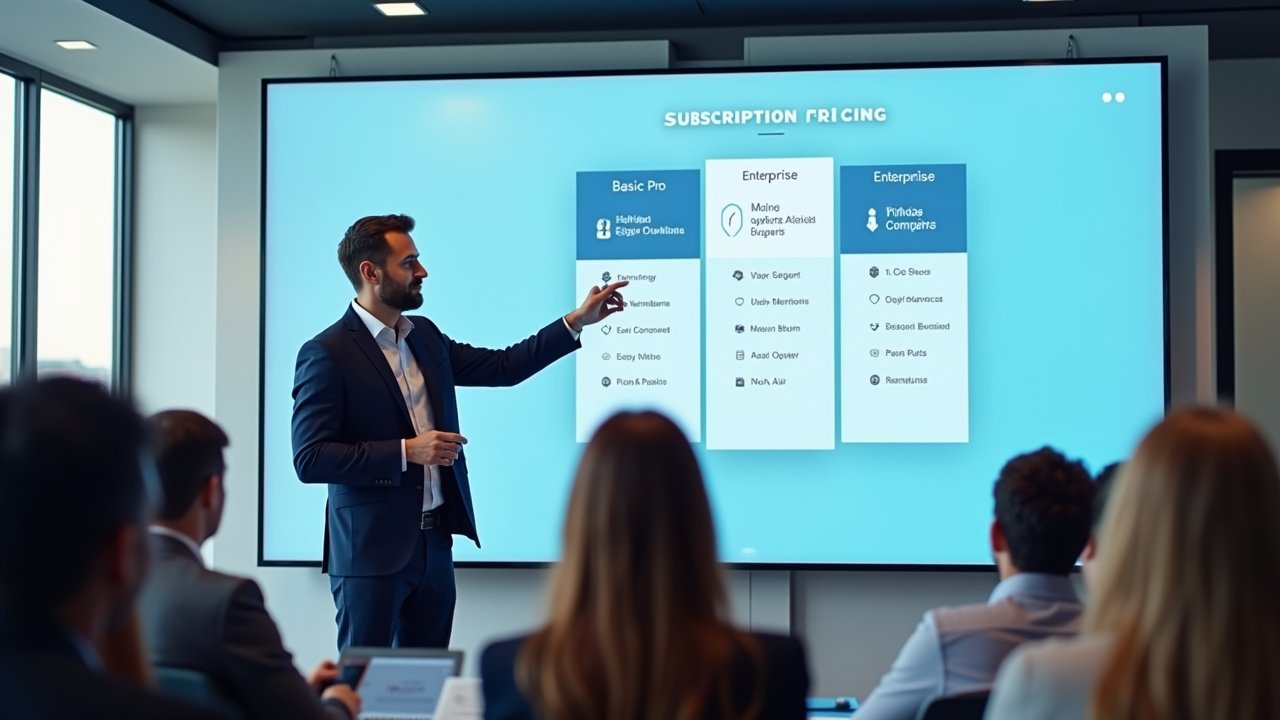
HubSpot organizes its paid tiers into Starter, Professional, and Enterprise, and each one applies to different “hubs” like Marketing, Sales, Service, and Operations. This confused me for months, honestly. I kept thinking it was one price for everything, but nope, you’re actually paying per hub.
The Sales Hub Starter begins around $20 per month per seat when billed annually. Professional jumps up significantly, often landing in the $100-plus per seat range. Enterprise? That’s a whole different conversation, often starting in the thousands monthly depending on your contact volume and seat count.
- Starter: Basic automation, simple reporting, email sequences
- Professional: Advanced automation, custom reporting, forecasting tools
- Enterprise: Custom objects, advanced permissions, predictive lead scoring
I made the mistake once of recommending Professional to a client who barely needed automation beyond basic follow-up emails. She was paying for features collecting dust. Lesson learned: match the tier to actual usage, not what sounds impressive in a sales demo.
The Bundle Trap (And How to Avoid It)
HubSpot loves pushing their “Growth Suite” bundles, which combine Marketing, Sales, and Service Hubs together. Sounds convenient, right? Sometimes it is! But sometimes you’re paying for marketing automation tools you’ll never touch because your business is purely sales-focused.
Advertisements
I always tell people to map out their actual workflow before buying anything. Do you need email marketing campaigns, or do you just need a place to track deals and follow up with leads? Those are very different needs with very different price tags attached.
Hidden Costs Nobody Talks About Enough
Here’s something that bit me hard once. Onboarding fees for Professional and Enterprise tiers used to be mandatory, and they weren’t cheap—sometimes running into the thousands. HubSpot has since made these more flexible, but you should still ask directly before signing any contract.
- Contact tier overages (extra contacts cost extra money)
- Add-on features like additional currencies or custom SSL
- Onboarding and implementation fees for higher tiers
- Annual contract discounts versus monthly billing markups
Also, and this is important, if your contact list balloons past your plan’s limit, you’ll get bumped into a higher pricing bracket automatically. I’ve seen businesses get surprised invoices because nobody was watching their contact database growth. Set calendar reminders to review this quarterly, seriously.
Comparing HubSpot to Competitors
I won’t pretend HubSpot is the only fish in the pond. Tools like Salesforce and Pipedrive offer competitive pricing structures too, sometimes cheaper for similar features. HubSpot’s strength really lies in its ease of use and the way marketing and sales tools talk to each other seamlessly.
If you’re a solopreneur or tiny startup, the free tier plus maybe a Starter upgrade probably covers you fine. Growing sales teams with complex pipelines? You’ll likely need Professional at minimum, and that’s where budgeting conversations get serious.
My Honest Take After All This
Pricing transparency is something HubSpot does reasonably well compared to older enterprise software companies that make you call a sales rep just to get a quote. You can actually see numbers on their website, which I appreciate as someone who’s tired of playing pricing hide-and-seek.
Still, budget for growth. Whatever tier looks perfect today might feel restrictive in eighteen months once your contact list triples and your team wants automation workflows. Plan ahead, and don’t be afraid to downgrade if you’re overpaying for unused features.
Understanding HubSpot CRM pricing isn’t just about finding the cheap, but knowing what’s right for your business. Swing by more articles and follow us!